 Scanner Radio
/
Blog
Scanner Radio
/
Blog
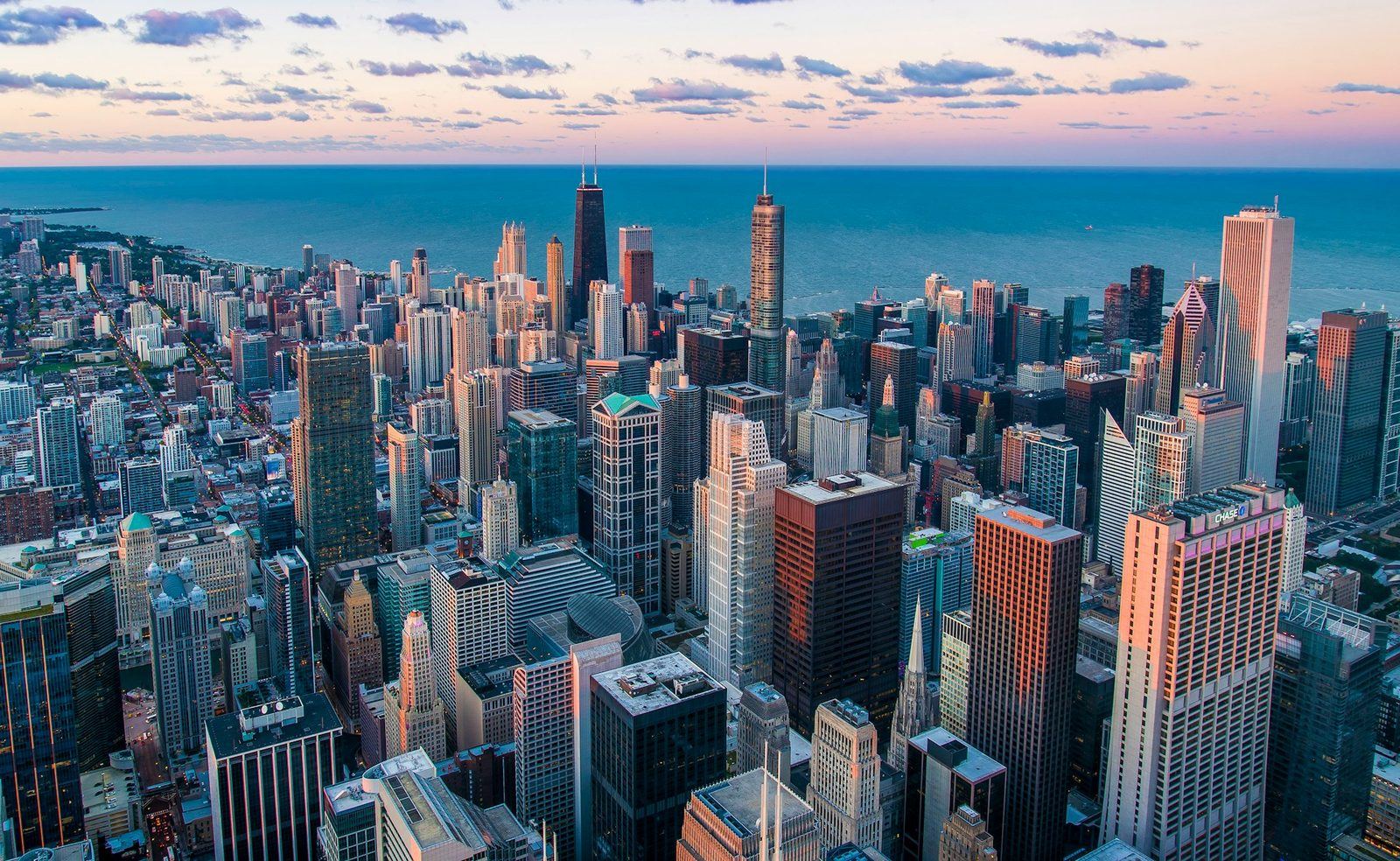
Chicago is one of the most listened-to cities on police scanner apps, and for good reason. With the second-largest municipal police department in the United States, the Chicago Police Department operates across 22 patrol districts covering everything from the Loop to the Far South Side. Add in Chicago Fire Department dispatch, O'Hare and Midway airport operations, and suburban agencies, and there's no shortage of live radio to tune into.
Whether you're a Chicago resident who wants to stay aware of what's happening in your neighborhood, a journalist monitoring breaking news, or just someone curious about how a major city's emergency services operate, listening to Chicago police scanners is easy to do from your phone.
 Chicago Police Citywide Dispatch
Citywide dispatch channels, Chicago Police Department, Illinois
Chicago Police Citywide Dispatch
Citywide dispatch channels, Chicago Police Department, Illinois
The fastest way to start listening is with the Scanner Radio app. Once you've downloaded it, just search for "Chicago" and you'll find a long list of available feeds covering Chicago police zones, fire dispatch, EMS, and more. Tap any feed and you're listening live within seconds.
Chicago's police radio is organized by zone, with each zone covering several of the city's 22 districts. You'll see feeds labeled by zone number, so if you know which district covers your neighborhood, you can pick the right zone to hear local activity. If you're not sure, start with the Chicago Police citywide dispatch feed. You'll hear dispatchers sending officers to calls across multiple districts at once.
Chicago police scanner feeds carry a constant stream of dispatch calls, officer status updates, and incident reports. On a typical evening you might hear dispatchers sending units to traffic stops, disturbance calls, and reports of shots fired. You'll hear officers calling in traffic accident details, requesting backup, and reporting on foot pursuits.
Chicago Fire Department feeds are equally active, covering structure fires, medical emergencies, hazmat responses, and vehicle accidents across the city. During major incidents like large fires, mass casualty events, or severe weather, the feeds become a real-time window into how the city's first responders coordinate their response.
Chicago dispatchers move fast. If you're new to scanning, give yourself a few listening sessions to get used to the pace and the codes. CPD uses a mix of ten-codes and plain language, so you'll pick up the common phrases quickly. Pay attention to district numbers and beat designations. Once you learn your local beat, you'll instantly recognize when something is happening nearby.
Star your favorite feeds in Scanner Radio so you can jump back in quickly. Many listeners keep a Chicago zone feed running in the background during the evening hours when activity tends to peak.


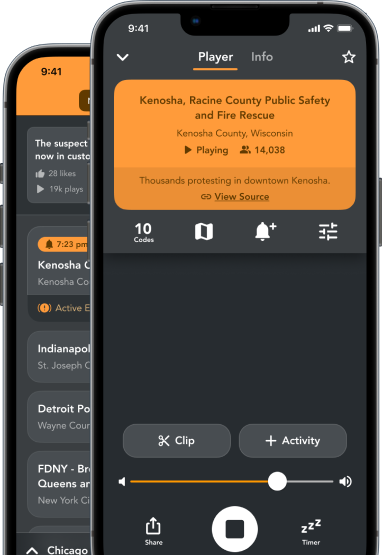
Open Scanner Radio, search "Chicago," and pick a feed. In seconds you'll be hearing exactly what Chicago's dispatchers and first responders are hearing: live, unfiltered, and in real time.